

The Google Language Translator plugin has been added to all sites. This plugin automatically places a floating tab at the bottom of the site which allows the user to change languages. By default it is set to “English” only so please update the settings to allow users to select at least Spanish. I chose Spanish, Chinese, Japanese, Arabic, French, and Korean.
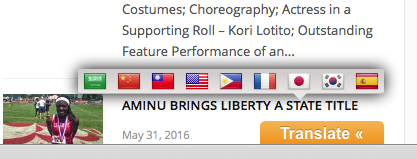
To update the settings of this plugin, go to your WordPress Dashboard and go into “Settings” and then “Google Language Translator”.
For whatever reason, some of the settings don’t appear to work. For instance, I tried to turn off “Flags” and they would not go off.